


In today’s digital world, having a reliable hosting environment is no longer optional — it’s essential. Whether you are running an e-commerce store, a SaaS startup, or even a high-traffic blog, your hosting infrastructure directly impacts performance, security, and user experience.
Shared hosting may be a great entry point, but as your project scales, you’ll quickly find that you need more power, customization, and security. This is where Virtual Private Servers (VPS) step in. In this article, we’ll dive into what VPS hosting is, why it might be the best solution for your project, expert tips for choosing the right provider, and real-world reviews from users who’ve made the switch.
What is VPS Hosting and Why Does It Matter?
A VPS (Virtual Private Server) is a virtualized environment that mimics a dedicated server within a larger physical machine. Unlike shared hosting, where dozens of websites compete for the same resources, a VPS provides dedicated CPU, RAM, and storage — ensuring more consistent performance and flexibility.
- Scalability: Add resources as your project grows.
- Security: Isolated environment reduces risks of cross-site attacks.
- Performance: Faster load times compared to shared hosting.
- Customization: Install your own operating system, software, and applications.
If you’re running applications that require Windows environments, you can look into a
Windows VPS / VDS server,
which gives you familiar Windows tools and remote desktop functionality.
Key Factors to Consider Before Choosing a VPS
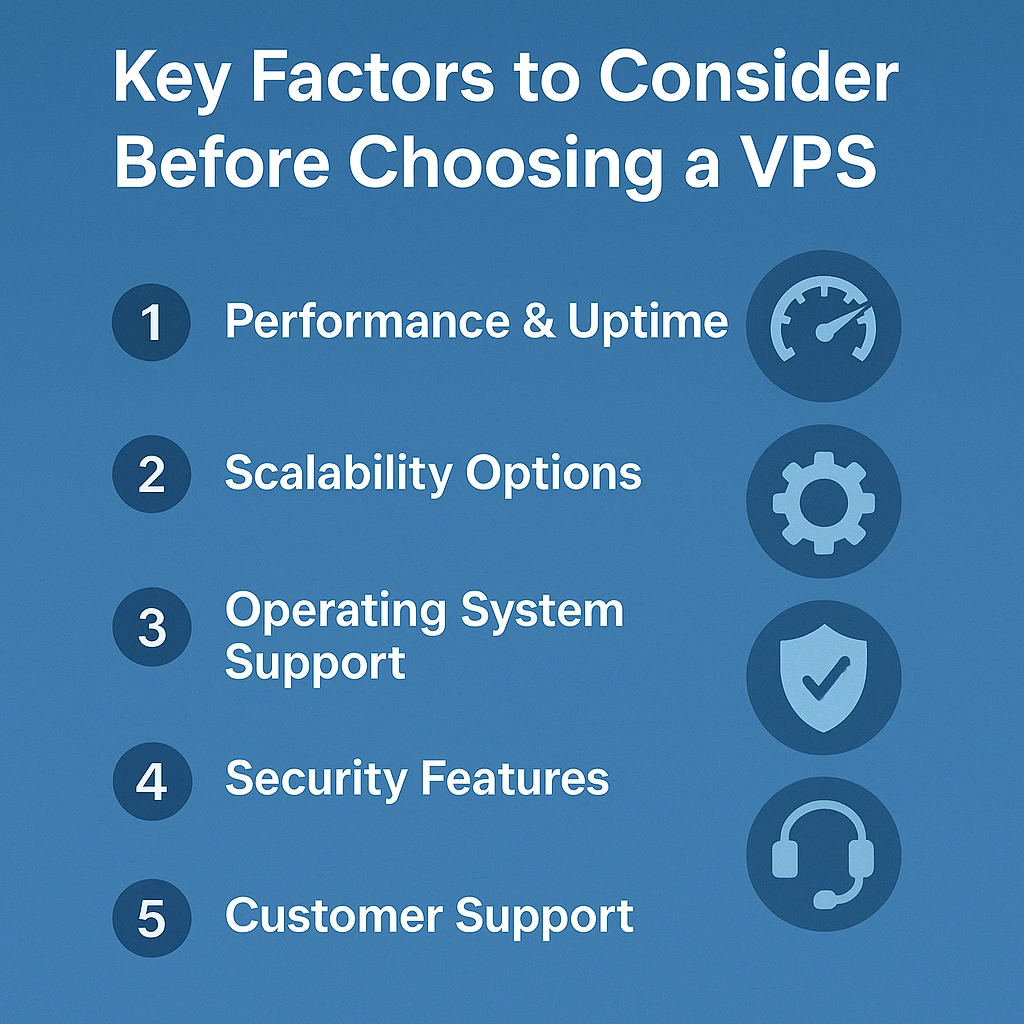

1. Performance & Uptime
Your hosting should guarantee at least 99.9% uptime, ensuring your website or app is always accessible. Look for providers that are transparent about their data center reliability.
2. Scalability Options
If you expect growth, make sure your VPS plan allows for easy upgrades without downtime. Pay-as-you-grow models are ideal for startups.
3. Operating System Support
Do you need Linux VPS for open-source projects or a Windows VPS for compatibility with Microsoft environments? Choose based on your application stack.
4. Security Features
DDoS protection, SSL certificates, and data backups are non-negotiable. Security should always be baked into your VPS package.
5. Customer Support
24/7 support with real engineers (not just bots) can make or break your experience. Read reviews to see how responsive the support team is.
Expert Tips for Getting the Most Out of Your VPS
- Benchmark Before Migrating – Run load tests on your current setup to understand your performance baseline.
- Use Monitoring Tools – Track CPU, memory, and disk usage to prevent resource bottlenecks.
- Enable Backups & Snapshots – Always prepare for worst-case scenarios.
- Optimize Security from Day One – Change default passwords, enable firewalls, and keep your OS updated.
- Leverage Remote Desktop (RDP) – For Windows servers, RDP provides smooth access for management and daily tasks.
VPS vs VDS: What’s the Difference?
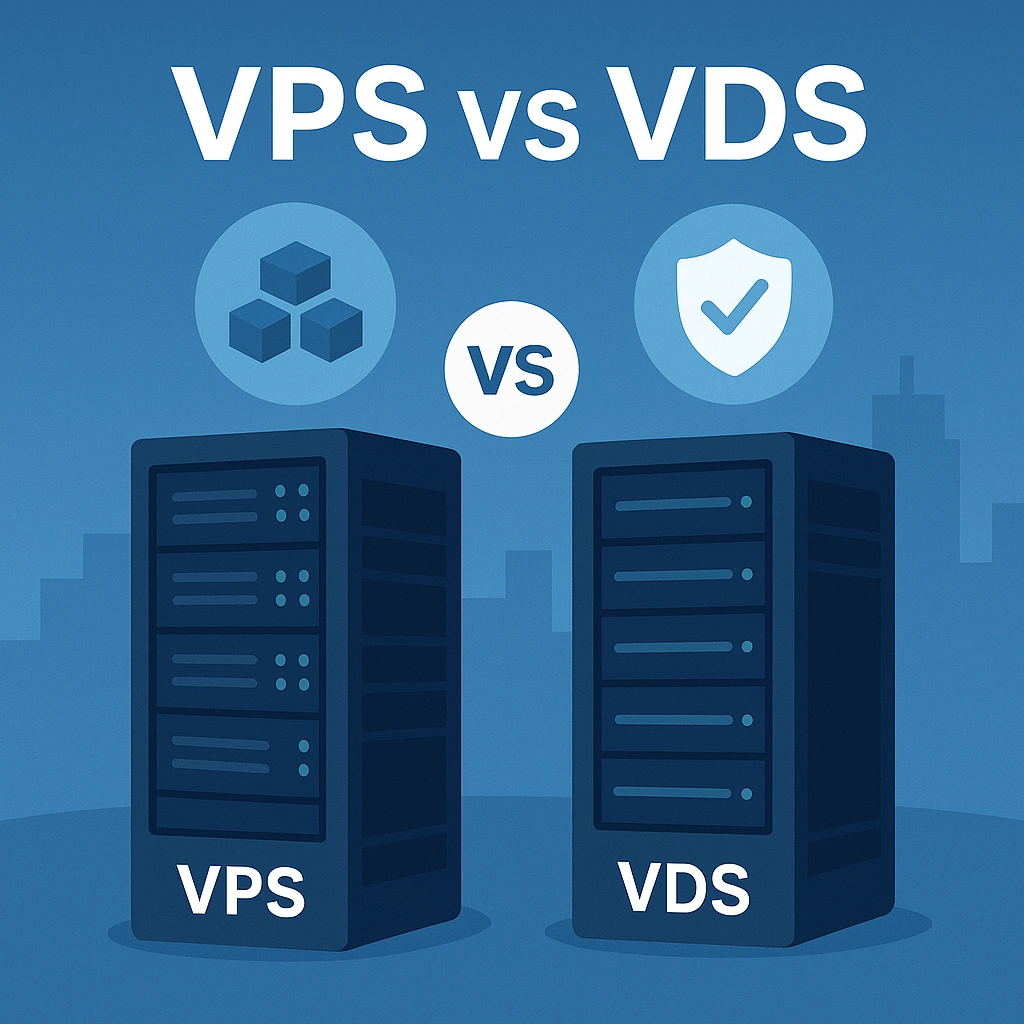
The terms VPS (Virtual Private Server) and VDS (Virtual Dedicated Server) are often used interchangeably. However:
- VPS typically shares some hardware but ensures resource isolation.
- VDS is closer to having an entirely dedicated machine, with guaranteed hardware resources.
For most businesses, VPS is more than enough. Power users or enterprises handling mission-critical applications may prefer VDS.
Real-World Use Cases
- E-commerce Shops: Faster checkout speeds increase conversion rates.
- Developers: Run custom environments without restrictions.
- Game Hosting: Low latency for multiplayer servers.
- Financial Applications: Enhanced security for transactions.
One case study showed that an online retailer who migrated from shared hosting to VPS saw a 40% reduction in load times, directly improving SEO rankings and sales conversions.
Frequently Asked Questions (FAQ) About VPS and VDS
1. What is the difference between VPS and VDS?
The main difference lies in resource allocation. A VPS (Virtual Private Server) shares physical hardware with others but provides isolated resources. A VDS (Virtual Dedicated Server) offers fully dedicated resources, making it closer to a true dedicated server. VPS is cost-effective for most use cases, while VDS is ideal for high-performance workloads.
2. Is VPS hosting better than shared hosting?
Yes. VPS hosting offers better performance, higher security, and more customization compared to shared hosting. If your website or application experiences moderate to high traffic, upgrading to a VPS will deliver a smoother experience for your users.
3. Who should use a Windows VPS?
A Windows VPS is best suited for businesses or developers who need compatibility with Microsoft applications, .NET frameworks, or remote desktop access. It’s also useful for running trading bots, accounting software, or enterprise tools that require a Windows environment.
4. How secure is VPS hosting?
VPS hosting is much more secure than shared hosting because your environment is isolated from others. Features like firewalls, DDoS protection, and SSL certificates further enhance security. Always choose a provider that includes regular backups and monitoring.
5. Can I upgrade my VPS later?
Yes. One of the biggest advantages of VPS hosting is scalability. You can easily upgrade CPU, RAM, and storage as your business grows, often without downtime. This makes it ideal for startups and scaling businesses.
6. Is VDS hosting worth the extra cost?
VDS hosting is worth it if you need guaranteed dedicated resources, ultra-high performance, and maximum stability. It’s often used for enterprise applications, fintech systems, or high-volume e-commerce platforms where uptime and reliability are critical.
7. Do I need technical knowledge to manage a VPS?
Not necessarily. Many providers offer managed VPS hosting, where their support team handles updates, security, and optimization. However, if you want full control, an unmanaged VPS gives you root access and freedom to configure the system yourself.
8. Does VPS hosting improve SEO?
Indirectly, yes. Faster loading speeds, better uptime, and improved security positively influence SEO rankings. Google rewards websites that deliver a reliable and speedy user experience, which VPS hosting supports.
9. Can I host multiple websites on a single VPS?
Yes, you can host multiple websites on a single VPS as long as the server resources can handle the traffic. Developers often use VPS servers to run several projects simultaneously with separate environments.
10. Is VPS hosting expensive?
No. VPS hosting is very affordable compared to dedicated servers, often starting as low as a few dollars per month. It provides an excellent balance of cost, performance, and control, making it one of the best value hosting options available.
Final Thoughts
VPS hosting strikes the perfect balance between affordability and control. By choosing wisely and following best practices, you’ll set your business up for growth, security, and reliability.